Creating realistic fire simulation in games is far more performance-intensive than it first appears. For a university assignment, I was given the choice between water simulation, fire simulation, or terrain generation. I deliberately chose fire, knowing it would be the most challenging option and offer fewer tutorials to rely on, pushing me to think critically about how I wanted the system to work.
This became one of the most enjoyable challenges in my development journey. Below, I break down what makes my fire simulation particularly effective, and how I optimised it across two different game engines.
The project is still in development, as I’m currently exploring how these systems could support a meaningful gameplay loop.
Project Fire Simulations
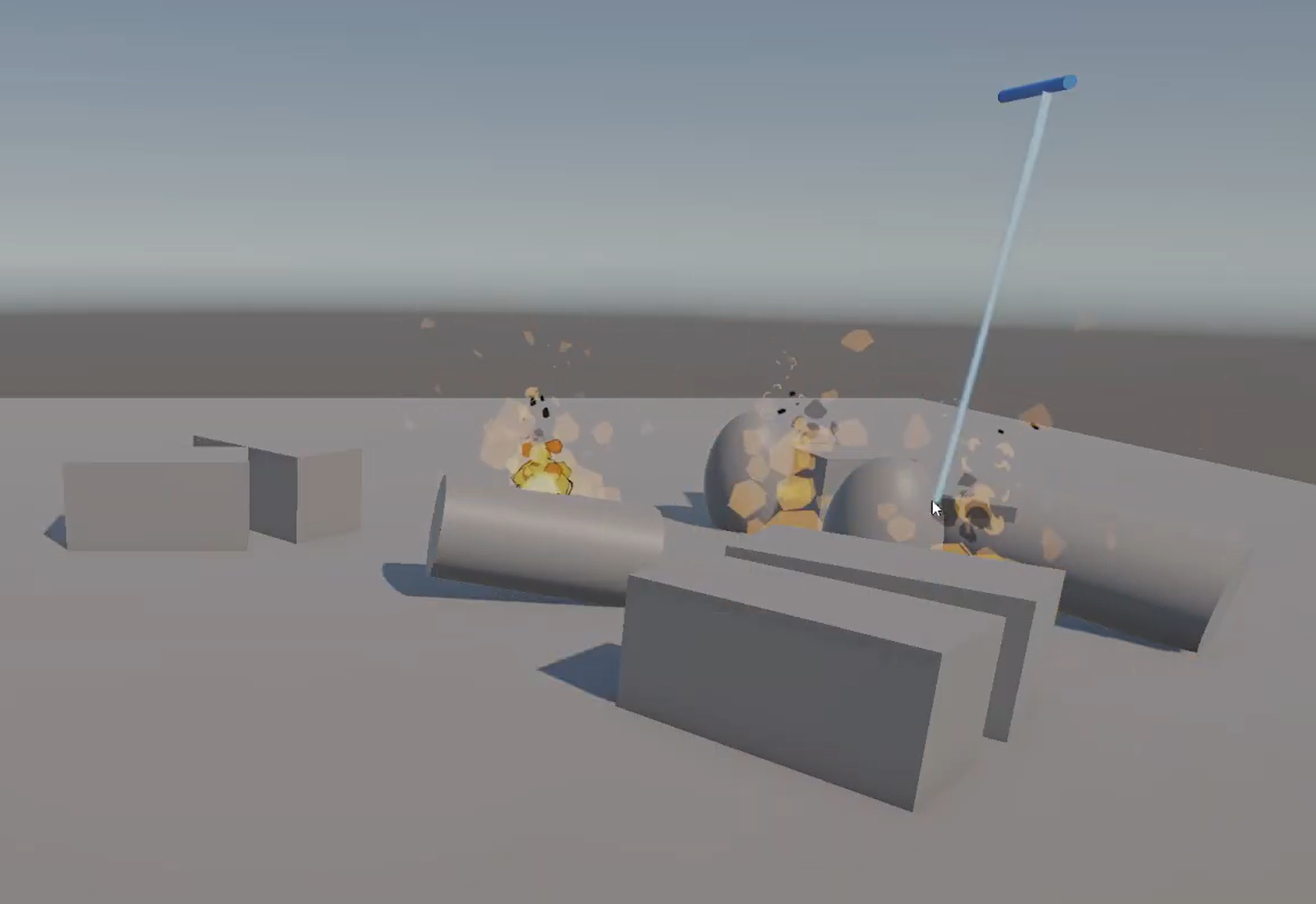
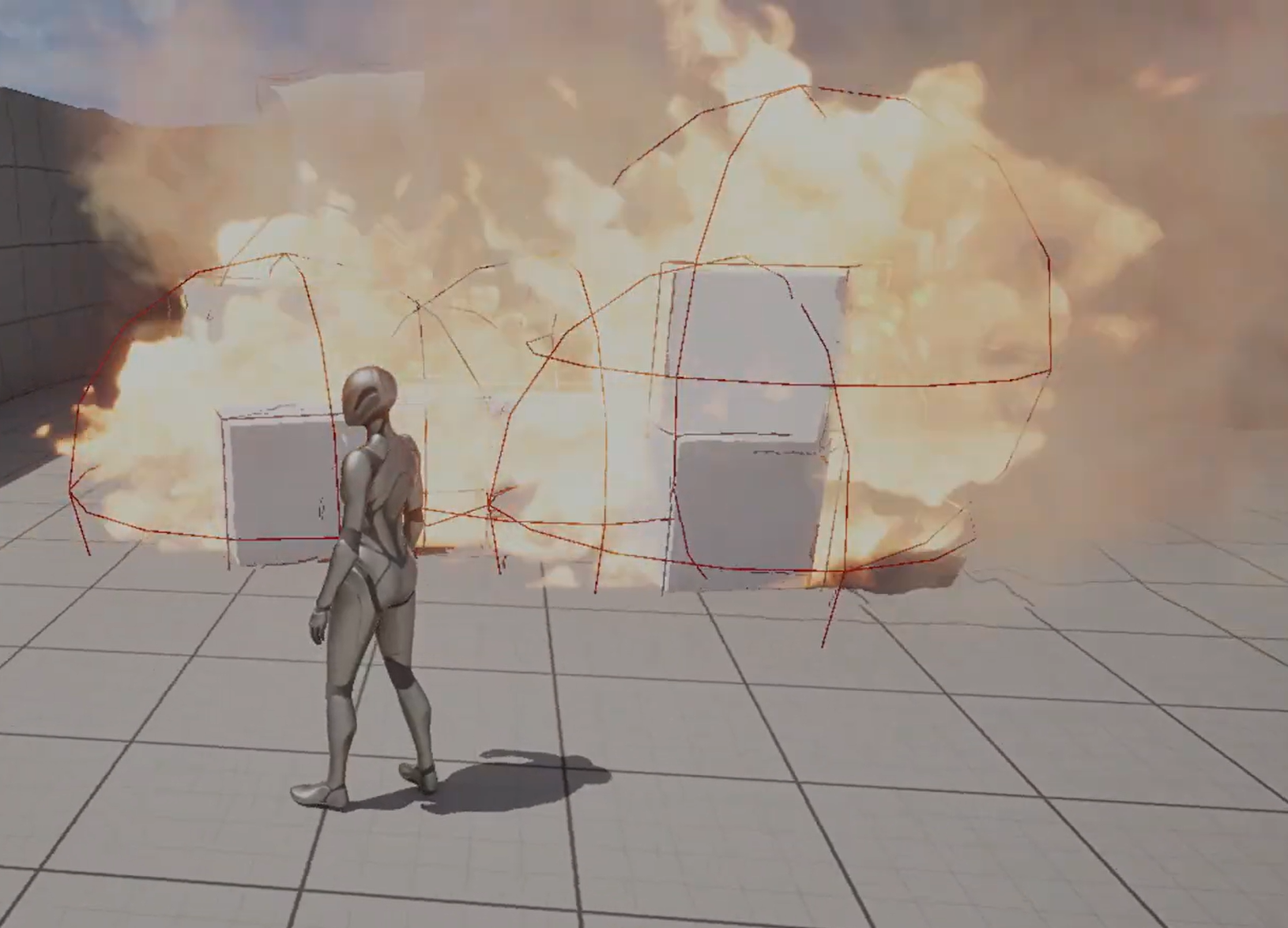
Unreal Engine 5.4.4 :
Uses live physical contact to trigger fire interactions, including with moving game objects
Fire spreads over time using a spherical burn radius
Game objects transition through multiple visual burn stages as they ignite and degrade
Unity 6000.3.0b4 :
Burning: Objects ignite via contact or radius-based spread, using configurable timers. Only Flammable objects can catch fire.
Blazing: Nearby burning objects merge into a shared fire effect when three or more are present, then seamlessly split back into individual flames as the group breaks apart.
Fire Group Management System the system that controls when each fire should merge into a group and disband.
This project was the first time I really got to push all of my coding knowledge and see it in action. I built a fire system in Unity with two main states: Burning and Blazing.
Unity Fire System
Burning: When a game object catches fire, it starts burning. The fire can spread either on contact or within a certain radius to other objects nearby. Each object has its own configurable timers for both kinds of spread, and only objects tagged as Flammable can catch fire.
Blazing: This is my favourite part. If three or more burning objects are close together, they form a fire group. Instead of each object having its own flame effect, the group shares one big blazing fire. It’s visually very pleasing and I'm very happy with how it turned out. Once there are fewer than three objects burning, the fire automatically goes back to individual flames but each object still remembers its burn time, so everything feels seamless.
I’m excited to develop this system further and possibly build it into a complete game.
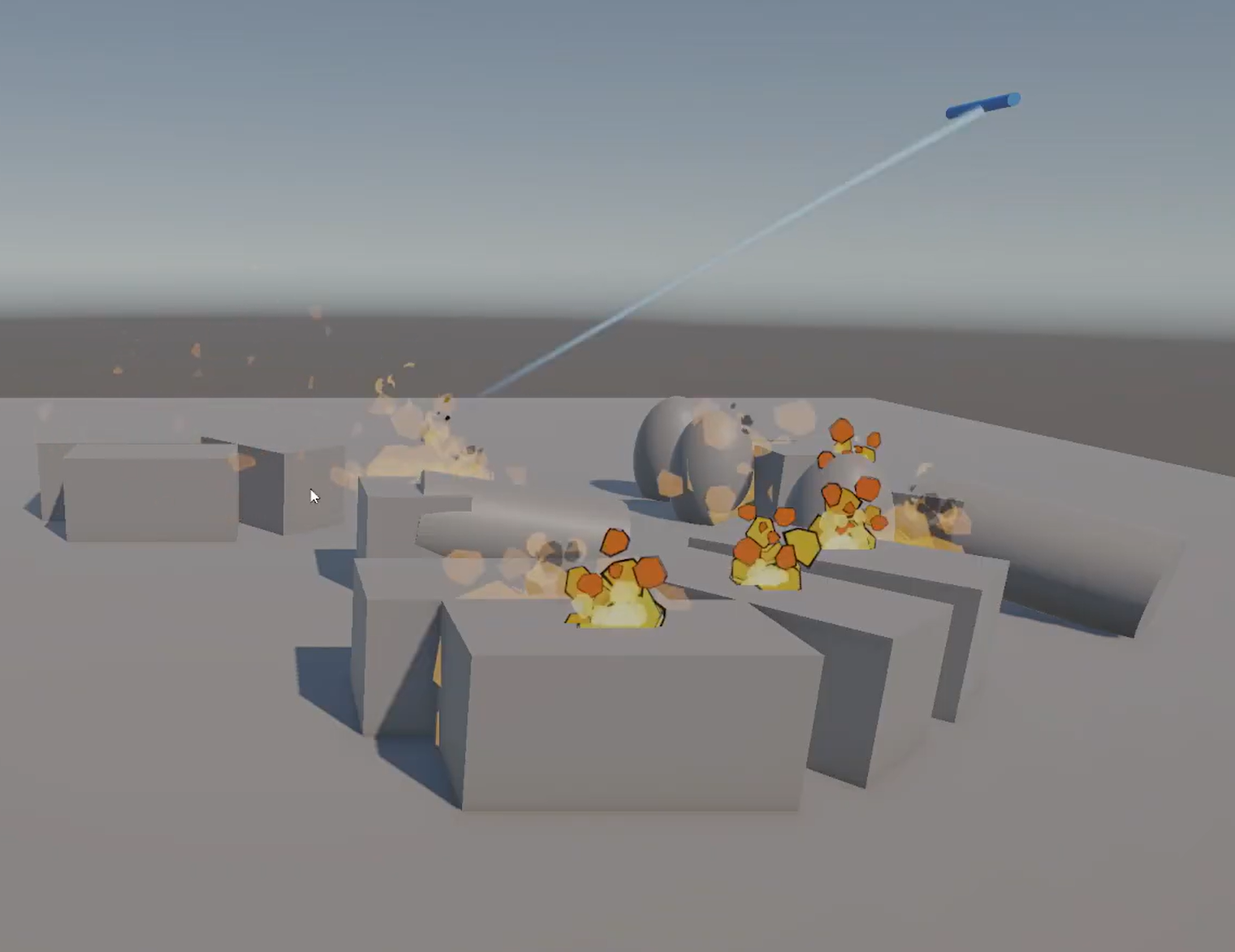
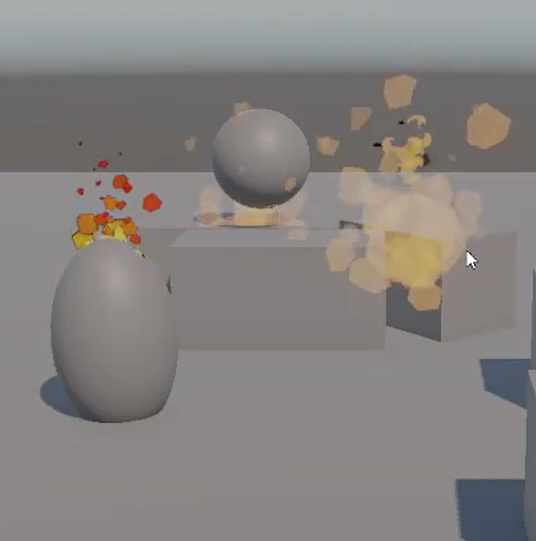
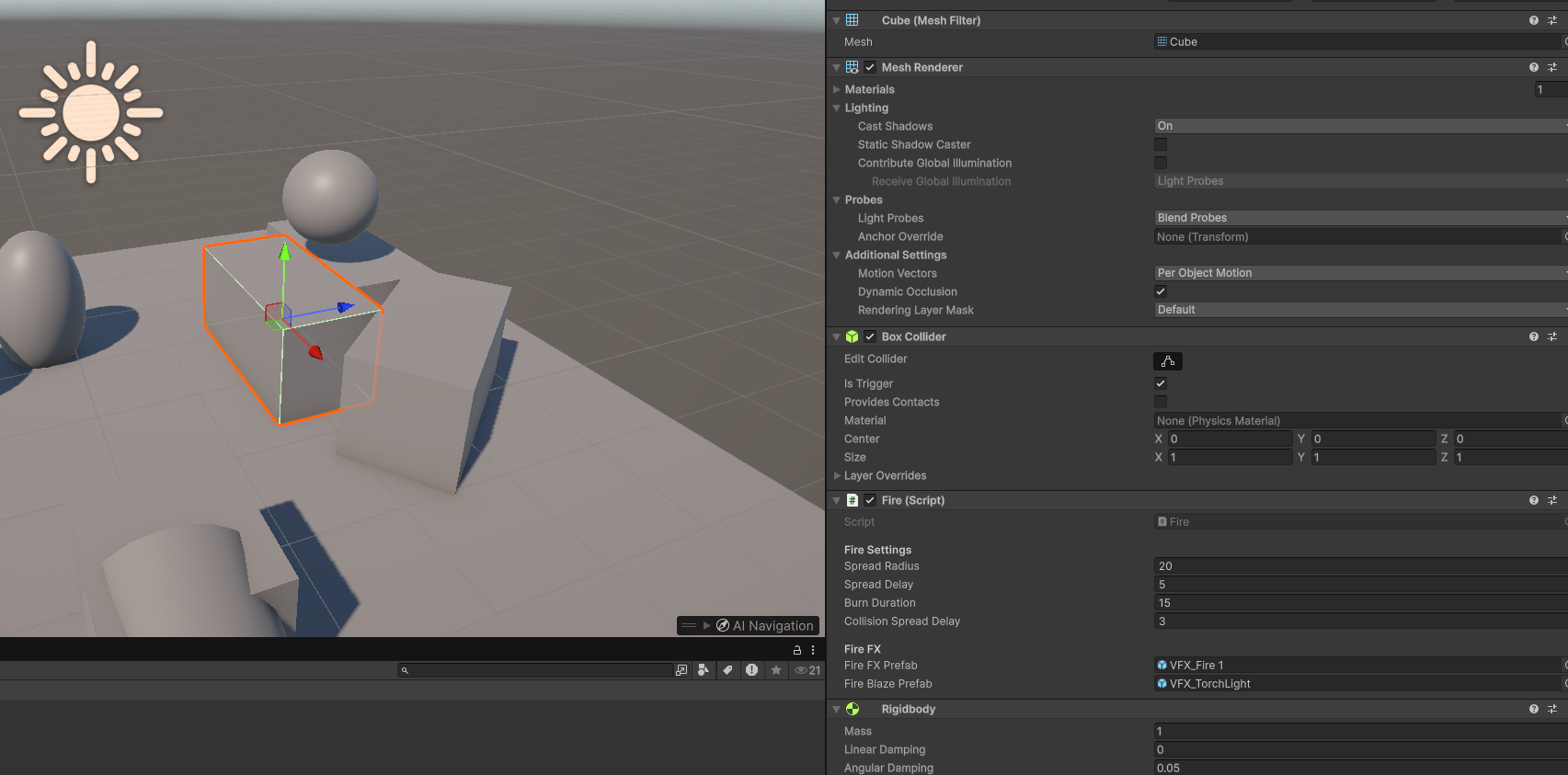
In Unity, I implemented a basic hose system. While visually simple, it functions as intended.
The hose maintains a three-second hit memory, tracking whether it has recently made contact with burning objects. This allows the fire to continue being extinguished briefly even if the player moves off target, preventing the process from fully resetting and making the interaction feel more responsive.
Unreal Engine Fire Simulation
My Unreal Engine 5 fire simulation is arguably simpler in some ways compared to my Unity version, but creating it was still a real challenge. Since I had very little experience with Blueprints, I decided to challenge myself by building the entire system using Blueprints. My main goal was to create a fire system that roughly matched the Unity version, with fire spreading both on contact and within a certain radius.
How it works:
The cubes in the simulation have a hit box collider, while the particle effect for the fire has a sphere collider. These two colliders handle the two different ways fire spreads. Originally, if one cube collided with another, the second cube would catch fire and start a new burning sequence.
Fire can also spread via the sphere collider around the particle effect. As the fire grows, the sphere expands, allowing nearby objects to catch fire. This method is a bit temperamental, likely due to my current limited knowledge of Unreal Engine, but it works reasonably well for now and is something I plan to improve.
I added visual feedback to make the fire feel more dynamic: cubes glow bright red as the fire intensifies and eventually turn black when fully burned. The system also checks if cubes are already on fire before igniting them, preventing repeated ignitions.
Originally, the fire left scorch marks on surfaces, which looked great, but I accidentally broke this feature and am working on fixing it. This also stands for the cube glowing red as the fire intensifies.
This project has been a great way to learn Blueprints and experiment with fire mechanics in UE5. As I continue developing it, I hope to refine the spread system, scorch effects, and visual feedback to make it even more realistic.
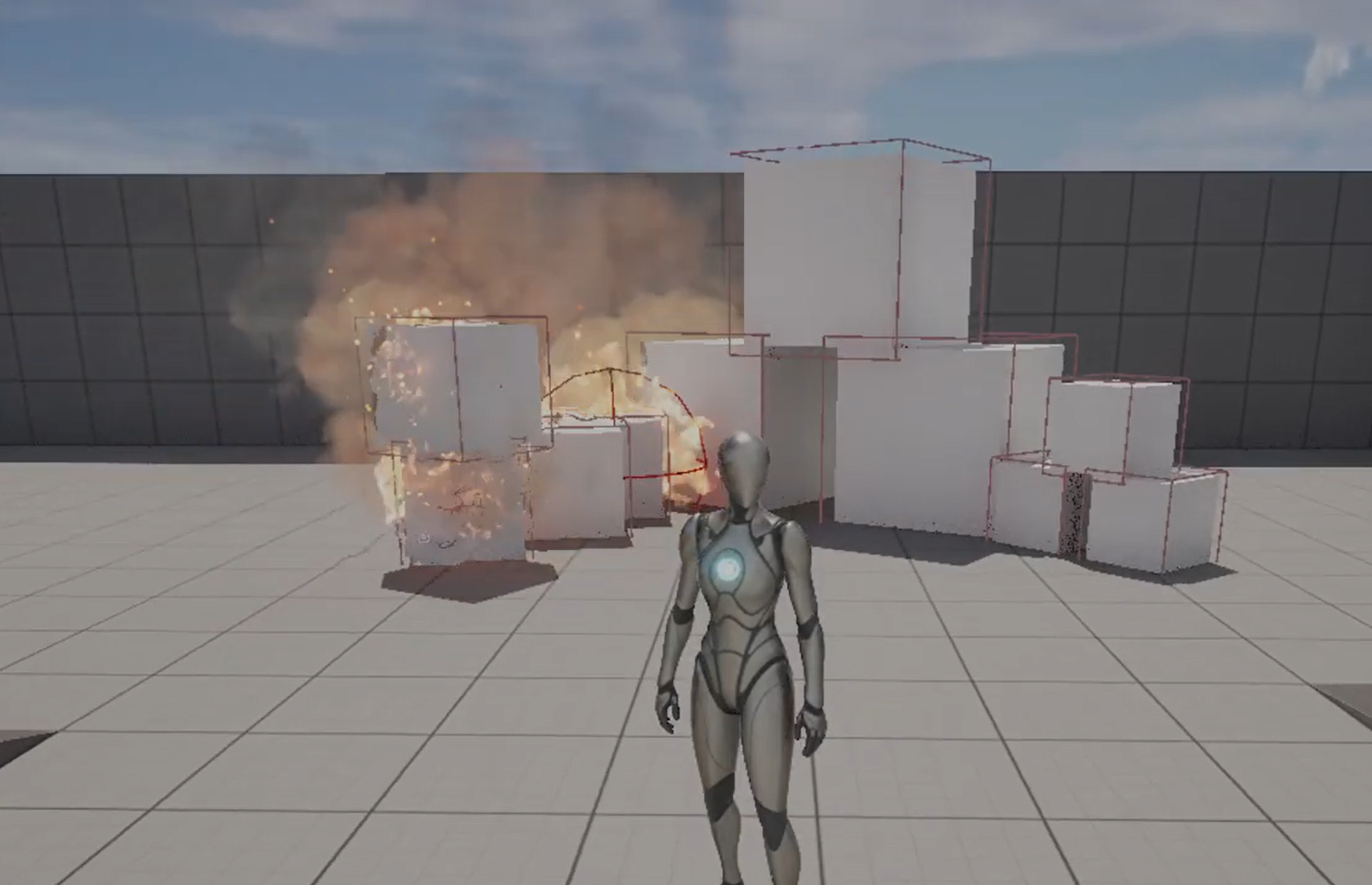
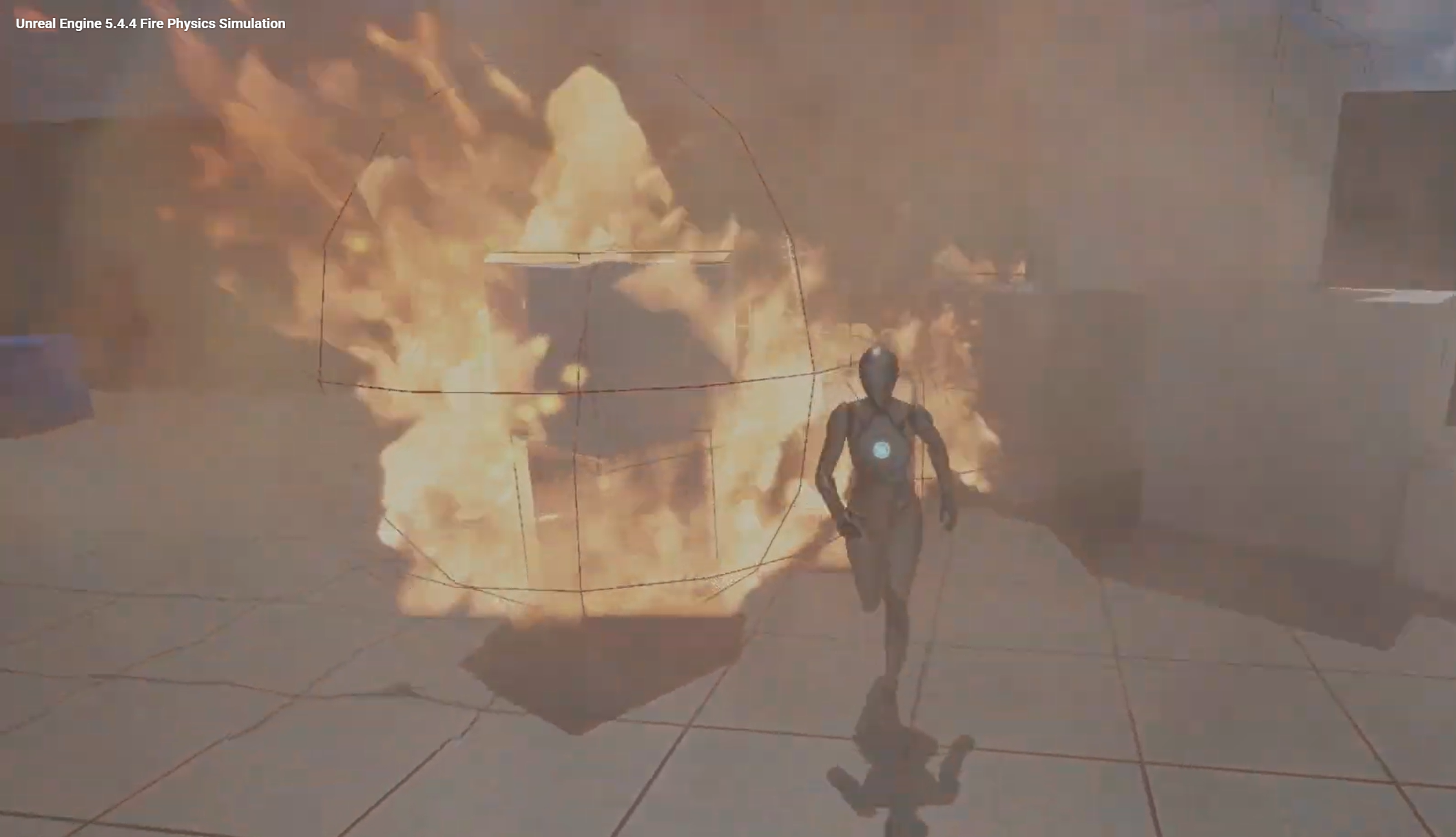
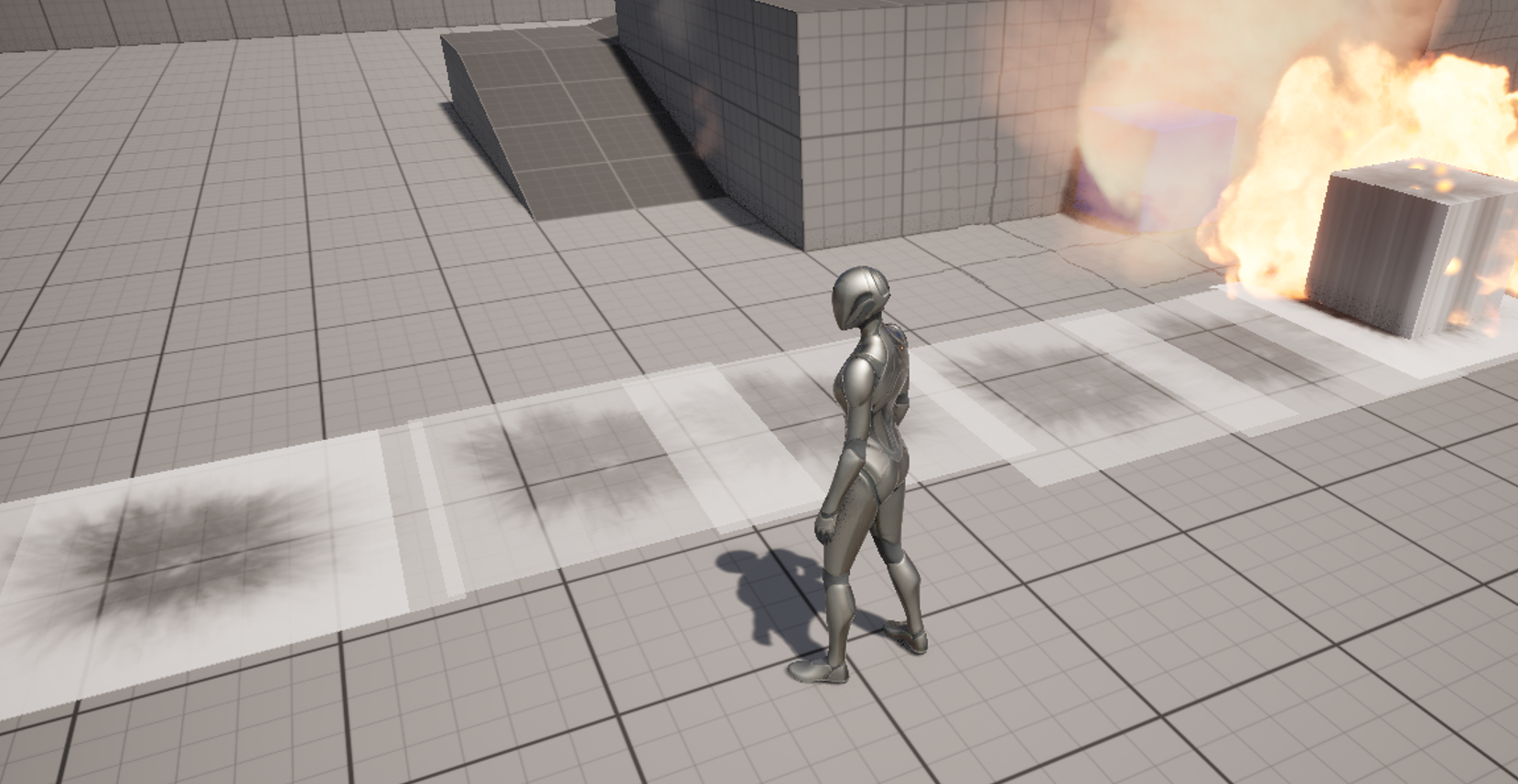
Fun bug I had towards the start of development.